
PAN Card Joiner Online
पैन कार्ड के फ्रंट और बैक साइड को एक पेज पर जोड़ें और बैंक/ITR वेरिफिकेशन के लिए A4 PDF डाउनलोड करें।
More Free Document Joiner Tools
Private browser processing. No files uploaded to any server.
Indian Tax & ID Tools
⭐ Free PAN Card Joiner Tool · Fast, Safe & Mobile Friendly
Before you merge anything, a quick honesty check. On most PAN cards, all the details that matter sit on the front: your name, father’s name, date of birth, PAN number, photo and signature. The back usually carries only general text. So if your form says “PAN copy”, the front may be all it needs.
Some banks, lenders and HR teams do ask for both sides, and some upload forms accept a single file only. That is when one merged page helps. This free tool puts the front and back of your PAN card on one page at real card size, and you can download it as a PDF, JPG or PNG. The merging runs in your browser, so your images stay on your phone or computer.
Do you need both sides?
| If the request says | What to do |
|---|---|
| “PAN card copy” with no mention of sides | Send the front, or ask which side they want |
| “Front and back” or “both sides” | Merge them here and send one page |
| “Upload in one file” | Merge, then choose PDF or JPG based on the portal |
| “Self-attested copy” | Print the PDF, sign as the office instructs, then scan or submit |
Asking the receiver one short question often saves you a round of rework.
What is on the card
| Part | What it shows | Why it matters for your copy |
|---|---|---|
| Front | Name, father’s name, date of birth, PAN number, photo, signature | This is what offices actually read, so it must be sharp |
| Back | Usually general text about the card | Include it only if the office asked for it |
| QR code | Present on newer cards and on e-PAN | Keep it uncovered and not blurred |
PAN numbers are 10 characters, a mix of letters and digits. Zoom into the preview and check every character before you download. One misread letter is enough for a form to bounce.
Merge PAN Card in four steps
- Add the front photo to the first box. Tap, drag a file in, or paste with Ctrl+V.
- Add the back photo to the second box.
- Check the preview, especially the PAN number and your date of birth.
- Pick PDF, JPG or PNG and press Merge & Download PAN.

If you picked the sides in the wrong order, press Swap Front & Back.
Got an e-PAN instead of a plastic card?
An e-PAN is the digital PDF version from the Income Tax Department, and it opens with a password. The password is normally your date of birth in DDMMYYYY format. If that does not work, follow the instruction that came with your download or email.This tool works with images, not PDF files. Open the e-PAN, take a screenshot or export the page as a JPG, and crop it down to the card.
Settings for common jobs
| Job | Format | Paper | Size | Also try |
|---|---|---|---|---|
| Printing for a bank branch | A4 | 100% | Keep the cut border on | |
| Uploading to a portal with a size limit | JPG | Fit PAN Size Only | 100% | Turn the cut border off |
| Emailing to HR or a tax professional | A4 | 100% | Add a watermark with purpose and date | |
| Small print is hard to read | PDF or PNG | A4 | 125% | Keep the medium gap |
Print at real size
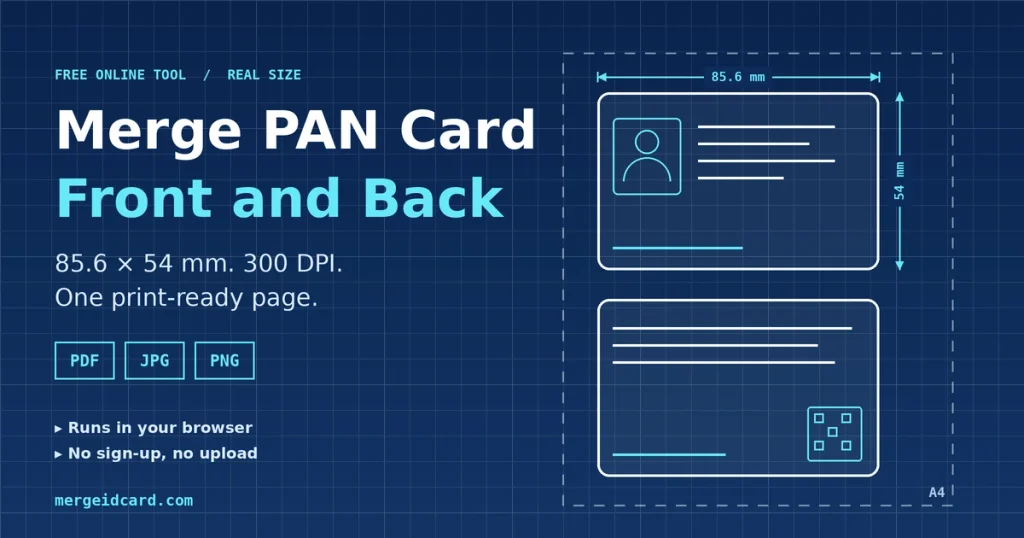
PAN cards are credit-card sized, about 85.6 × 54 mm. The tool starts at that size and saves at 300 DPI, so the PAN number stays crisp. Stretching the card across A4 makes the text look swollen and some offices send such copies back. When you print the PDF, choose Actual size or 100%, not “Fit to page”.
Keep your PAN copy from being reused
A PAN copy shows your PAN number, date of birth and father’s name. These are details people use to apply for things in your name, so a little care goes a long way.
- Write the purpose and the date on the copy. For example, “For loan application only, 14-10-20xx”. Use the watermark box. Keep it short so it does not cover the number.
- Send it only to whoever asked, and only through an official email or portal.
- Keep the clean file private. Share the watermarked copy.
- Delete it from shared computers and cyber cafe machines.
- Check your credit report now and then, especially if you have shared copies widely.
Is it safe to merge a PAN card online?
The images are merged inside your browser and are not sent to our server. You can test this yourself. Open the page, switch off your internet and merge a JPG. The PDF option fetches a small helper file the first time you use it, so test with JPG or PNG.
PDF, JPG or PNG
PDF keeps the page size and prints at real card size, so it suits branches and emails. JPG makes smaller files for portals with size limits. PNG gives the cleanest text, but the file is larger.
When something looks off
- The card looks small on A4. It is printed at real size. Pick 125% if you want it larger.
- A thin grey line surrounds each card. That is the cut border. Turn it off in the settings.
- The PAN number is hard to read. Retake the photo closer, in daylight, with the card flat.
- The PDF did not download. The helper file may not have loaded. Check your connection or save a JPG.
Frequently Asked Questions
Yes. The tool is free and needs no sign-up.
Not always. Most of your details are on the front. Send both sides only when the form or the office asks for it.
No. The merge happens in your browser. Only the PDF option fetches a small helper file from a public library the first time, and your images are not part of that request.
Not directly. Save the card portion as a JPG or PNG first, then add it to the front and back boxes.
The file is made at 300 DPI. PNG is lossless, and JPG and PDF use high quality compression. A blurry photo stays blurry.
Download the PDF and print at 100% or Actual size. Do not choose “Fit to page”.
Save a JPG with the Fit PAN Size Only paper option, then reduce it with the image size reducer.
Yes. Tap a box and pick a photo from your gallery or take a new one.
The purpose and the date, for example “For loan application only, 14-10-2026”.